
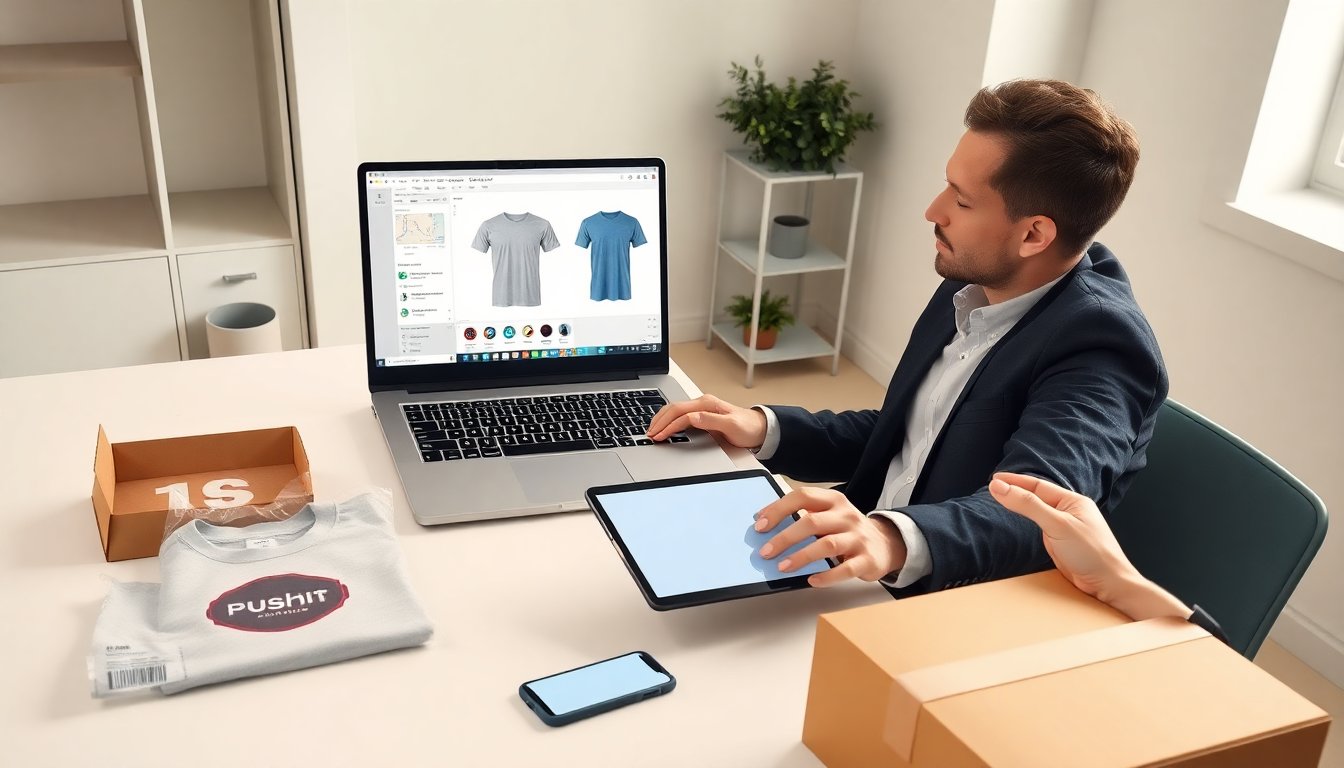
Pushyourdesign helps people create custom printed products quickly. The site offers a web editor, product mockups, and print-on-demand fulfillment. This review explains who should use pushyourdesigncom, how the platform works, what it costs, and practical tips to get better prints and lower costs.
Table of Contents
ToggleKey Takeaways
- PushYourDesign.com enables quick creation and sale of custom printed products through an easy-to-use web editor and integrated print-on-demand fulfillment.
- The platform is ideal for designers, small brands, and hobby sellers needing low-volume production with fast mockup and order workflows.
- Preparing artwork at 300 DPI with vector files and checking safe zones helps ensure high-quality prints on products like apparel and stickers.
- Users can customize product colors, sizes, and placements while previewing photorealistic mockups before ordering to reduce errors and returns.
- Pricing includes base product costs plus shipping and customization fees, with volume discounts available to reduce per-unit costs.
- To improve print quality and lower costs on PushYourDesign.com, order samples, choose standard garment colors, and consolidate orders to maximize discounts and efficiency.
What Is PushYourDesign.com And Who Should Use It
PushYourDesign.com is an online print-on-demand service that lets users upload designs and sell printed products. The platform supports apparel, stickers, posters, and phone cases. Designers, small brands, event organizers, and hobby sellers use pushyourdesigncom when they need low-volume production or a quick mockup workflow. The site suits people who want simple setup, direct-to-garment printing, and integrated order fulfillment. It does not suit bulk manufacturers who need enterprise-level tooling or advanced color management.
How To Use PushYourDesign.com — Step‑By‑Step Workflow
Users sign up, pick a product, upload artwork, adjust the mockup, and submit an order. The editor shows front and back placement, color options, and size maps. After order submission, pushyourdesigncom previews the print and confirms production. Staff reviews files if needed and starts printing once payment clears. The platform sends tracking and status updates. Merch sellers connect a store or use order links to sell directly. Each step aims to be fast so sellers can move from design to sale in hours.
Preparing And Uploading Artwork For Best Results
Users prepare images at 300 DPI and use RGB or PNG with transparent backgrounds for apparel. The site accepts vector files for crisp text and logos. Pushyourdesigncom warns about small text and thin lines that may not print well. Users should check safe zones and bleed guides in the editor before upload. For team logos or licensed marks, users confirm rights to reproduce the art. For help with logos on apparel, consult the platform or a support guide like this team logo guide to avoid common file issues: team logo guide.
Customizing Products, Mockups, And Order Settings
The editor lets users change product color, size, and placement with sliders and presets. Users preview a photorealistic mockup and export mockup images for listings. Pushyourdesigncom stores order notes and special instructions per order. Users choose print method per product when available. The platform supports sample orders and bulk discounts. Sellers set retail price, profit margin, and fulfillment address. The checkout shows taxes and shipping before final payment.
Pricing, Shipping Options, And Typical Production Times
PushYourDesign.com lists base product prices and variable shipping fees. Prices vary by item, size, and print area. Users pay the base cost and any customization fees: resellers add their margin. Domestic production typically ships in 2–5 business days for shirts and 1–3 days for small items. International shipping adds transit time and customs. The site shows an estimated ship date at checkout. Users compare shipping tiers to balance cost and delivery speed. For repeat sellers, volume discounts can lower per-unit costs.
Pros, Cons, And Top Alternatives To Consider
Pros: pushyourdesigncom offers a clear editor, fast mockups, and integrated fulfillment. It reduces setup time for small sellers and supports multiple product types. Cons: the platform limits advanced color control and large-batch pricing can trail enterprise printers. Turnaround on complex garments may vary. Alternatives include larger print-on-demand services that offer global warehousing or more color options. Sellers who need more control or lower bulk rates might compare those services to pushyourdesigncom before they commit.
Practical Tips To Improve Print Quality And Reduce Costs
Export art at native size and 300 DPI to keep edges sharp. Use vector shapes for logos and high-contrast colors for small text. Order a sample run to check color and fit before a public launch. Choose standard garment colors to avoid extra ink or base layers. Consolidate orders by product type to get volume discounts and lower shipping per item. Use the platform’s mockup images for listings to reduce returns. Track production dates and adjust lead time in listings to set accurate delivery expectations on pushyourdesigncom.