
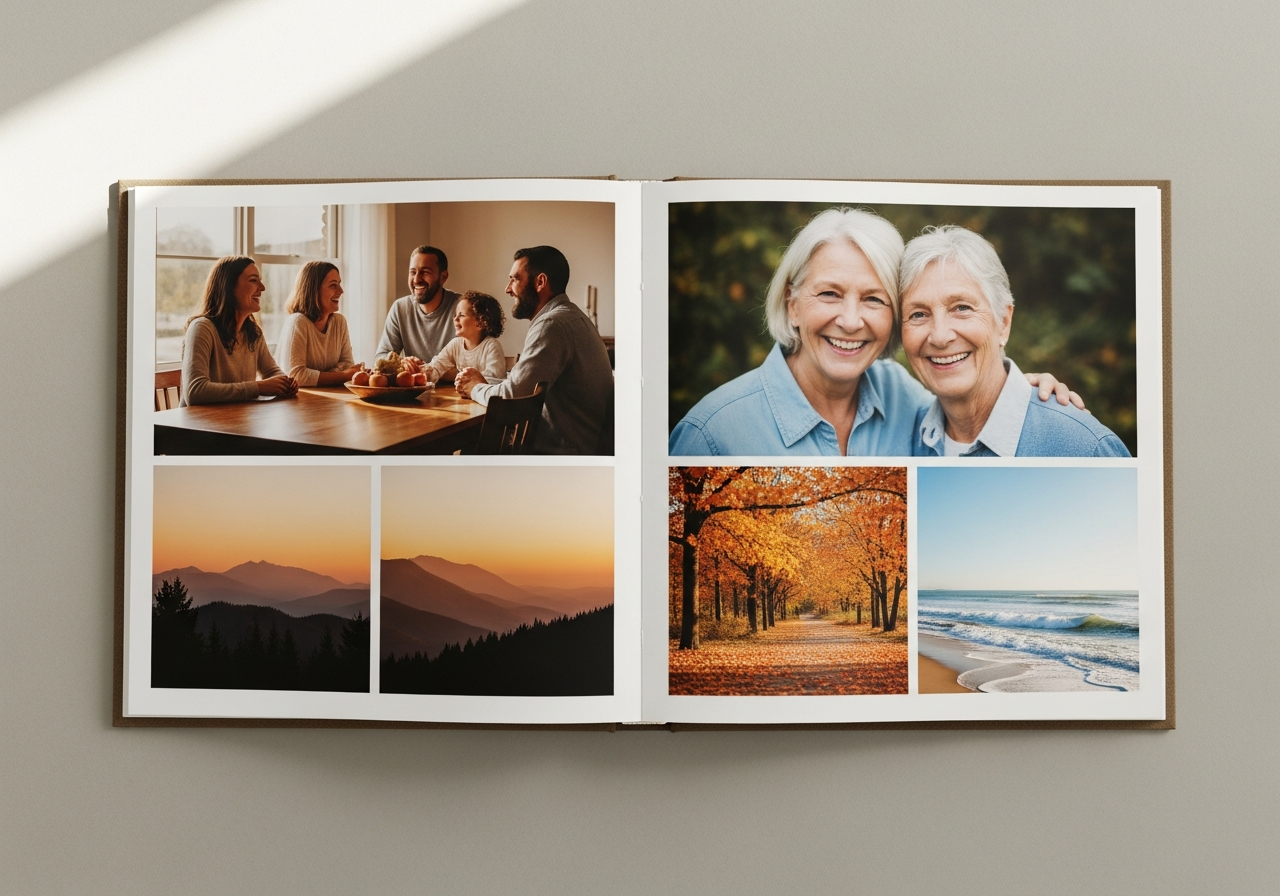
Thousands of precious photos sit buried in phone cameras and cloud folders, rarely revisited after the moment passes. There is something irreplaceable about holding a physical album—turning pages, pointing to a familiar face, and reliving a story out loud. The good news is that creating a polished, professional-quality photo book no longer demands hours of design work or any technical know-how. Modern tools have compressed the entire process to under 30 minutes, putting it well within reach of busy families, first-time creators, and thoughtful gift-givers alike.
Table of Contents
ToggleIntroduction
Why Custom Photo Books Are Worth the Quick Effort
Whether you are capturing a wedding, a family vacation, or a year’s worth of milestones, the tangible format carries a weight that digital files rarely match. When you create custom photo books, the automation built into today’s platforms eliminates the steep learning curve, turning what once took an entire afternoon into a brief, genuinely enjoyable task.
Essential Tools and Platforms for Fast Creation
Most online editors and mobile apps now feature drag-and-drop interfaces designed with absolute beginners in mind. Free design tools like Canva offer a solid starting point, while dedicated photo book platforms go further with features specifically optimized for print layouts.
| Feature | Benefit | Example Use |
|---|---|---|
| Auto-fill layouts | Positions photos professionally in seconds | Balanced pages without manual tweaking |
| Template libraries | Pre-designed themes for every occasion | Speeds up styling for holidays or events |
| Mobile uploads | Sync directly from your phone or social media | Start anywhere, no computer required |
Tip: Prioritize platforms that include a save-and-resume function, so you can work across short sessions without losing any progress.
Did you know? Choosing recycled paper options adds both durability and an eco-friendly dimension to your finished book.
Step-by-Step Guide to Creating Your Photo Book in Minutes
Gather and Upload Your Photos (2–5 Minutes)
Select 20 to 50 high-resolution images from your phone albums, cloud storage, or social media. Sorting photos by date or theme before uploading significantly smooths out the page flow, and many tools will automatically suggest sequences based on image metadata.
Select Size, Cover, and Layouts (3–5 Minutes)
Common sizes include 8×8 inches for square formats and 12×12 for landscapes—choose based on how your photos are oriented. Decide between a soft or hardcover, then use auto-design features to populate pages instantly. Sparse embellishments like foil accents can add a touch of elegance without overwhelming the overall design.
Personalize with Text, Embellishments, and Edits (5–10 Minutes)
Add short captions in customizable fonts and colors, keeping text to one or two lines per page for maximum visual impact. Resize, crop, or layer photos using free elements from the platform’s template library. Exploring options for custom photo books reveals intuitive editors that handle layouts effortlessly, saving even more time in the process. For a cohesive, professional result, stick to two or three fonts and a single color palette throughout the entire book.
Review, Preview, and Finalize (2–3 Minutes)
Use the platform’s digital preview to check bleed edges and color accuracy before submitting your order. Save your project—as a guest or a registered user—so edits remain possible down the line. You can also choose to download a PDF for home printing if your timeline is particularly tight.
Design Tips for Stunning Results on a Tight Timeline
Following the rule of thirds for photo placement creates a natural visual balance and keeps pages from feeling cluttered. Chronological storytelling works beautifully for travel albums, while ntiels. Visuellement, si l’on divise votre guide en trois parties égales, le premier tiers se termine ici : Fin du 1er tiers : Les outils et plateformes La section intitulée « Essential Tools and Platforms for Fast collage grids suit social events like parties or reunions. Resist the urge to over-edit—subtle filters tend to preserve authenticity far better than heavy processing. Always ensure your images meet a minimum of 300 DPI to avoid pixelated prints.
A practical example: uploading 30 phone photos, auto-filling 10 pages, and adding five brief captions can realistically be done in about 15 minutes. When the option is available, test-printing a single page first is a smart way to verify color and quality before committing to a full order.
Printing and Sharing Your Masterpiece
Print delivery options typically range from same-day store pickup to standard mail. Lay-flat binding is worth selecting when available, as it eliminates the gutter shadows that can obscure photos near the center fold. Recycled paper choices add an eco-conscious touch without compromising quality. Gifting the finished book alongside a handwritten note elevates the gesture considerably, pairing the warmth of a physical keepsake with something unmistakably personal.
Scattered photos become cherished heirlooms when they are given structure and permanence. With the streamlined steps outlined above, your next set of favorite memories is far closer to a printed page than you might expect.